How to Enhance User Experience for Greater SEO Success: A 7-Step Plan
SearchBlueprint · · 12 min read · scored 92/100

Here is how to enhance user experience for greater SEO success: match each page to search intent, make it easy to read, load it fast, fix mobile usability, simplify navigation, and track engagement metrics like bounce rate and Core Web Vitals. Google rewards pages that satisfy visitors, so better UX and better rankings tend to arrive together.
This guide is for business owners and marketers who run their own website and want stronger rankings without a full redesign. Every step below works on an existing site. Most cost nothing but time, and each one comes with a way to measure whether it worked.
Why user experience decides SEO success
User experience and SEO share one goal: a satisfied visitor. Google's business depends on sending searchers to pages that answer their question quickly, so its ranking systems keep moving closer to how a human judges a page.
The evidence has stacked up. Google gives a ranking boost to pages that pass its Core Web Vitals tests. Its shift to mobile-first indexing means the phone version of your site is the one being judged. And the Google documents leaked in March 2024 revealed numerous UX-related elements that may directly influence rankings, according to analyses published across the SEO industry.
There is also a slower, compounding effect. People share pages they enjoyed using. They link to them, return to them, and recommend them. Those behaviors build exactly the kind of popularity that strong rankings grow from. A frustrating page earns none of it, no matter how well optimized its title tag is.
None of this makes UX a substitute for good content. It makes the two inseparable. The rest of this article walks through seven fixes that show how to enhance user experience for greater SEO success, in the order most sites should tackle them.

Step 1: match every page to search intent
Search intent is the reason behind a query. When your page delivers what the searcher actually wanted, they stay, engage, and sometimes convert. When it does not, they bounce back to Google within seconds, and no amount of polish saves you.
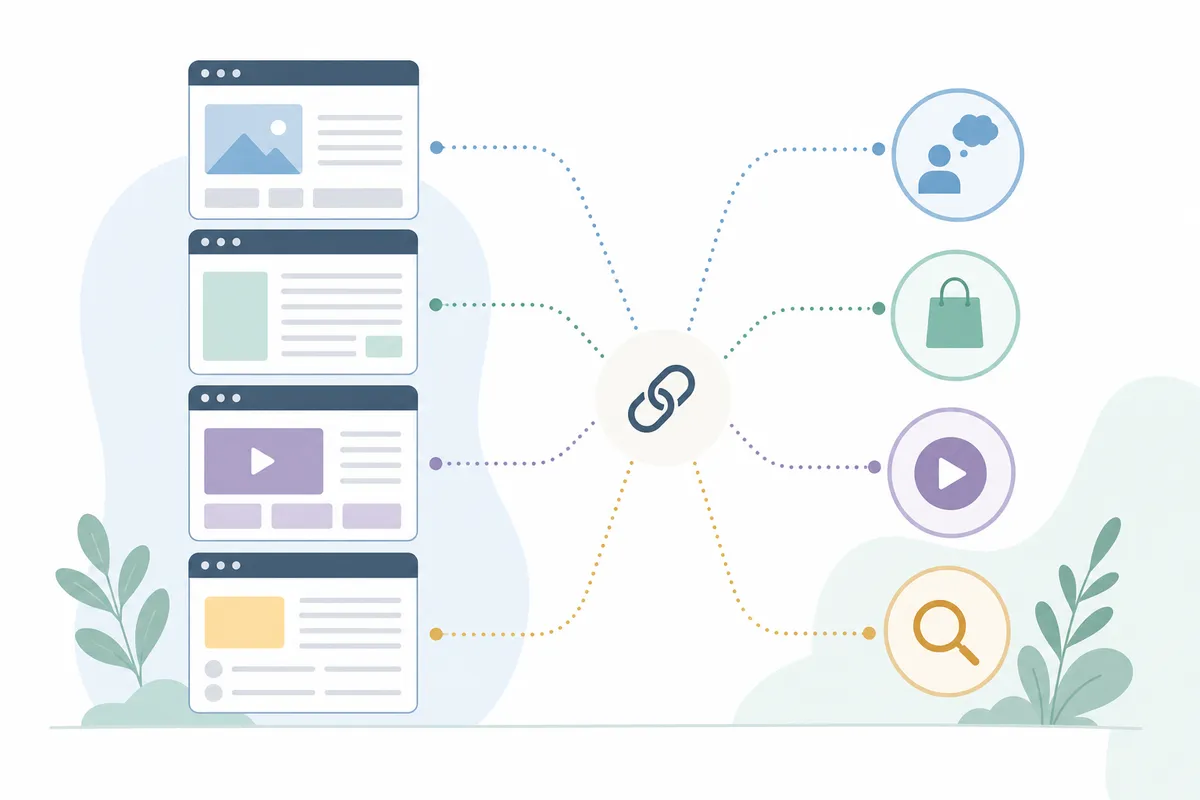
The four types of search intent
| Intent type | What the searcher wants | Example query | What your page must do |
|---|---|---|---|
| Informational | To learn or understand something | "how does mobile-first indexing work" | Answer the question directly in the first paragraph, then go deep |
| Navigational | To reach a specific site or page | "google search console login" | Make the destination obvious and reachable in one click |
| Commercial | To compare options before buying | "best reservation system for restaurants" | Give an honest comparison with real criteria, not a thin sales pitch |
| Transactional | To act now: buy, book, or call | "book emergency electrician" | Put the price, proof, and the booking or call button above the fold |
Read the results page before you write
Before creating or rewriting a page, search your target keyword and study what ranks. The format that dominates is the format searchers expect: if the top results are step-by-step guides, a product pitch will struggle. Then read those pages for the question underneath the keyword, and answer it better than they do, with clearer structure and more specific detail.
This matters double for local businesses, because near-me queries carry the highest intent of all. A searcher typing "best brunch near me" is ready to eat within the hour, which is why our guide to SEO for restaurants treats intent matching as the first job, before any technical work. If you publish regularly, doing this page by page gets slow. An AI-powered content plan that maps each keyword to one page keeps two pages from chasing the same term and competing with each other.
Step 2: make your content effortless to read
Readable content keeps visitors on the page, and it helps search engines understand what the page covers. Both outcomes feed rankings.

Format for scanning
Most visitors scan before they read. Give them a structure they can scan:
- Keep paragraphs to two or three sentences. A wall of text reads as work.
- Use H2 and H3 headings that accurately describe what follows, so a scanner can jump straight to their answer.
- Break dense passages into bullets or numbered lists.
- Bold sparingly, for the terms that matter.
- Add images, charts, or diagrams where they genuinely explain something a paragraph cannot.
One habit worth dropping: minimum word counts. Padding a 900-word answer to 2,000 words does not make it more useful, and fatigue is a user experience problem you created on purpose.
Write at the level your readers actually read
Content optimization guides consistently recommend a seventh-to-ninth-grade reading level for general audiences, because that is where comprehension peaks. Unless you write for a technical crowd, shorter sentences and everyday words win. This is not dumbing down. It is respecting that your visitor is busy, on a phone, and half-distracted.
Step 3: speed up your pages
Slow pages lose visitors before the content ever gets a chance, and page speed feeds directly into Google's page experience signals. The bottleneck usually is not your server. It is your visitor's phone, pulling your page over a strained mobile connection. An electrician's customer standing on a job site with two bars of signal will not wait for a 4 MB hero image, which is one reason speed features so heavily in booking more jobs from Google as an electrician.

Core Web Vitals in plain terms
Core Web Vitals are three measurements of how a real visit feels: how fast the main content loads, how quickly the page responds when tapped, and how much the layout shifts while loading. Google uses them as part of its page experience evaluation, and pages that pass can earn a modest ranking boost. Run any URL through Google's free PageSpeed Insights tool and you get a score out of 100 plus a prioritized list of what to fix.
The quick wins
- Compress images. A long-standing rule of thumb from Search Engine Journal's page experience guidance: replace images that cannot squeeze below 50 KB, and treat 100 KB as the ceiling. Modern formats like WebP shrink files without visible quality loss.
- Cut unused code. Remove scripts and stylesheets for features the page does not have, such as sliders or embedded forms that appear elsewhere on the site.
- Minimize redirects. Every hop in a redirect chain adds waiting time.
- Choose hosting that performs. A cheap, overloaded server undoes every other fix.
Step 4: get the mobile experience right
More than half of all web traffic now comes from mobile devices, according to Statcounter's worldwide platform data, and Google predominantly uses the mobile version of your site for indexing and ranking. The documentation at Google Search Central covers mobile-first indexing in detail, and the practical implication is blunt: if your site works well on desktop but poorly on a phone, Google is grading the poor version.
Design for thumbs, not cursors
Use a responsive design that adapts to any screen size, then check the details a template can miss. Buttons and links need to be large enough to tap without zooming, with enough space between them that a thumb does not hit the wrong one. Text should be readable without pinching. Test on a real phone, not just a resized browser window, because that is how a pet owner searching "vet near me" from a parking lot will experience you. Local, urgent searches like that one are almost entirely mobile, a dynamic we break down in owning "vet near me" results.
Pop-ups and interstitials
A pop-up that covers the full mobile screen the moment a page loads frustrates visitors and works against Google's guidance on intrusive interstitials. If you must use one, keep it small, delay it, and make it trivially easy to close.
Step 5: simplify site structure and navigation
A clear structure helps visitors find what they came for and helps search engines crawl and understand your site. The reliable pattern is a shallow hierarchy: your homepage links to category pages, and each category links to the individual pages beneath it. Ideally your URLs mirror that same path, so both people and crawlers can tell where they are.
Inside the content, link with descriptive anchor text. "Click here" tells the reader and the search engine nothing; the name of the destination tells both exactly what to expect. Vary the phrasing naturally rather than repeating one exact-match anchor everywhere.
Finally, make sure every important page is reachable through links. A page nothing links to is invisible to visitors browsing your site and easy for crawlers to miss. Every piece of content should hand the reader somewhere sensible to go next.
Step 6: earn trust and engagement on the page
Engagement is the behavioral proof that your user experience works, and several on-page choices raise it directly.
Start with accessibility, holding the page to the W3C's Web Content Accessibility Guidelines. Alt text on every image serves visitors using screen readers and helps search engines understand the page. Keyboard navigability, legible fonts, and consistent colors and components make the site usable for everyone, and consistency itself builds trust: when similar elements look and behave the same way, visitors stop thinking about the interface.
Choose images that mirror your actual visitors rather than a generic stock-photo cast. People engage more with pages where they can see themselves reflected.
Then let your customers do some of the work. Reviews, questions and answers, and customer photos keep pages fresh, add the exact vocabulary real buyers search with, and supply social proof no brand copy can match. We cover the mechanics in putting user-generated content to work for SEO. Pair that with a scheduled content audit, because regularly updated content is one of the clearest signals of a site that is still alive and relevant.
Step 7: track the user experience metrics that prove SEO success
You cannot manage what you never measure. Four numbers tell you most of what you need to know about whether your UX work is landing.
The four numbers to watch
| Metric | What it measures | Healthy sign | Where to find it |
|---|---|---|---|
| Bounce rate | The share of sessions with no real engagement | Under 40% is generally considered good | GA4, under Engagement reports |
| Average engagement time | How long your page held the visitor's attention | Several minutes for blog posts and content pages | GA4, under Engagement reports |
| Core Web Vitals | Loading speed, responsiveness, and visual stability | All three metrics passing | PageSpeed Insights and Google Search Console |
| Impressions and clicks | How often you appear in search and get chosen | A steady climb over months, not days | Google Search Console |
Worth knowing: GA4 counts a session as a bounce when the visitor leaves within 10 seconds, views only one page, and completes no conversion action. So a high bounce rate on a given page usually means an intent mismatch or a speed problem, and it tells you exactly where to look. Judge pages individually rather than staring at a sitewide average, which blends your best and worst pages into a number that hides both.
How long before it shows up
Published SEO guides converge on the same timeline: after roughly 4 to 6 months of consistent work you should begin to see search impressions increase, with clicks following over the months after. UX improvements are an investment with a delay, which is exactly why tracking matters. Without the numbers, the quiet early months feel like failure.
Do it yourself or bring in help?
Most of this plan is genuinely DIY. Rewriting for intent, shortening paragraphs, compressing images, removing pop-ups, and tightening navigation all sit within reach of anyone who can edit their own site, and the free tools named above measure the results.
Professional help earns its fee in two places: Core Web Vitals engineering, where the fixes live in code and hosting rather than content, and sitewide restructuring, where one wrong move can break URLs that currently rank. If you go that route, vet the provider before money moves. Here are seven checks to run before you sign with an SEO agency.
FAQs
Does user experience directly affect Google rankings?
Yes, in several ways. Google's page experience systems reward pages that load fast, respond quickly, and stay visually stable, and the Google documents leaked in March 2024 revealed numerous UX-related elements that may influence rankings. Beyond the algorithm, satisfied visitors stay longer, share pages, and link to them, and those behaviors strengthen rankings too.
What is a good bounce rate for SEO?
A bounce rate under 40% is generally considered good. In GA4, a session counts as a bounce when the visitor leaves within 10 seconds, views only one page, and takes no conversion action. Pages running far above 40% usually have a search-intent mismatch, a speed problem, or both.
How long do UX improvements take to show up in search results?
Expect the first lift in search impressions after roughly 4 to 6 months of consistent work, a window published SEO guides cite repeatedly. Clicks typically follow in the months after impressions rise. Track the trend in Google Search Console rather than judging by rankings alone.
Which UX metrics matter most for SEO?
Four cover most of it: bounce rate (under 40% is the common benchmark), average engagement time (aim for several minutes on content pages), Core Web Vitals (all three passing), and impressions in Google Search Console. Together they tell you whether visitors are finding you, staying, and getting a fast, stable page.
Can I improve UX for SEO without redesigning my site?
Yes. The highest-impact fixes need no redesign: compressing images below 100 KB, breaking text into two-to-three-sentence paragraphs, removing full-screen pop-ups, tightening navigation, and rewriting pages to match search intent. A redesign only becomes necessary when the underlying template fails Core Web Vitals no matter what you strip out of it.
Start with one page today
Pick the page that earns you the most money, open it on your phone, and count the seconds before you can read it and tap a button without zooming. Fix what you find, then work down your next ten pages the same way. If you would rather see every one of these signals graded in a single pass, talk to the team and browse a sample SEO report to see how we measure them, because a measured baseline is the fastest way to learn how to enhance user experience for greater SEO success across your whole site.
Resources / References
- page experience evaluation
- Statcounter's worldwide platform data
- Google Search Central
- guidance on intrusive interstitials
- W3C's Web Content Accessibility Guidelines
Related reading: Web Accessibility and SEO: Why Fixing One Boosts the Other.
Sources
About the author
SearchBlueprint researched, wrote and scored this article with the content pipeline our customers run on their own sites. The score in the byline is what our content engine gave this page before it published. Nothing here is reviewed by hand, which is the point: it is the product's output, published where anyone can check it.