Google Search in Cache Is Gone: How to View Cached Pages Now
SearchBlueprint · · 6 min read · scored 99/100

Google search in cache no longer returns a saved copy of a web page, because Google retired its caching feature in February 2024. If you need to see how a page looked before it changed or went offline, the Wayback Machine and a couple of tools inside Google Search Console are your best options now.
Why You Can't Google Search in Cache Anymore
For years, a small down arrow next to a search result opened a cached snapshot of the page as Google last saw it. That link disappeared gradually through early 2024, and by February 2, 2024, the cache feature was gone entirely. The cache: search operator stopped working too, and Google removed it from its own documentation.
Google's reasoning was straightforward: the modern internet rarely goes down for long, so a separate caching layer built for an earlier, less reliable web no longer earned its keep. In its place, Google pointed users toward the Wayback Machine, and in September 2024 the two organizations announced a formal partnership. Google Search now links straight to the matching Wayback Machine snapshot from the "About this result" panel.
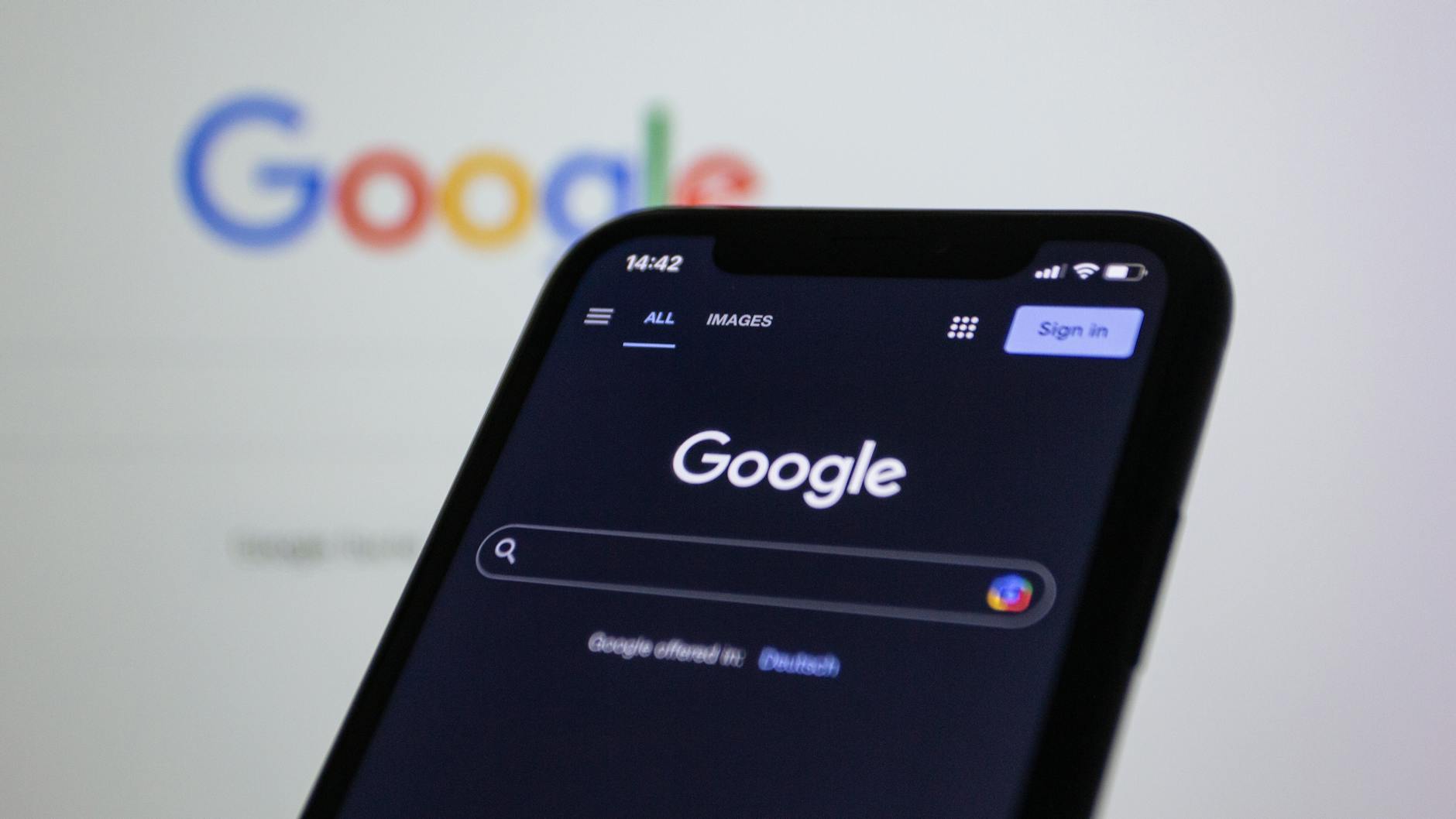
Bing and Yahoo Followed the Same Path
Bing retired its own cache links on December 11, 2024, about ten months after Google. Microsoft explained that "the internet has evolved for better reliability, and many pages aren't optimized for cache viewing." Yahoo Search had offered a cache feature since May 2011, built on Bing's crawl data, so once Bing's version broke in late 2024, Yahoo's stopped working too. There was no separate announcement from Yahoo.
How to View a Cached or Archived Page Now
A few genuinely useful options remain, and each one fits a slightly different need.
| Method | What You Need | Shows Page History | Best For |
|---|---|---|---|
| Google's "About this result" panel | A Google search | No, it links out to the Wayback Machine | A quick lookup without leaving search results |
| Wayback Machine (archive.org) | Just the URL | Yes, snapshots back to 1996 | Seeing how a page changed over time |
| Google Search Console URL Inspection | A verified GSC property | No, shows the current live render only | Confirming how Googlebot sees your own page today |
| Third-party cache checker tools | Just the URL | Usually redirects to the Wayback Machine | A one-click lookup for someone else's site |
The Wayback Machine Is Now the Default Answer
Open the Wayback Machine, paste in the URL, and you will usually see a calendar of snapshot dates. Pick one to view the page exactly as it looked that day, including images and layout in most cases. This is the closest replacement for what Google's old cache used to do, and it often goes back further than Google's cache ever could.
Google Search Console's URL Inspection Tool
Inside Search Console, enter a URL, run the live test, then open "View tested page" and select the screenshot tab. This shows you how Googlebot renders the page right now. It is useful for debugging your own site, but be clear-eyed about what it is: a live render at the moment you test it, not a stored copy from the last time Google actually crawled and indexed the page.

Who Actually Relied on Google Cache, and What Replaces It

How People Used to Google Search in Cache
SEO teams used the cache timestamp to confirm when Google last crawled a page. Investigators and legal teams leaned on cached copies to document how a page read before it was edited or taken down, a use documented in cybercrime investigation and securities-law literature. Journalists used it to recover content someone had deleted after a story broke. None of that need disappeared when the feature did; it just moved to the Wayback Machine, which has quietly served the same purpose since 1996.
If you want a faster way to check how your own pages are actually indexed today, without digging through Search Console manually, SearchBlueprint's free SEO tools can check indexing, keywords, and domain visibility in one pass. And since search itself has moved well past snippets and cache links toward AI-generated answers, a platform built for SEO across Google and AI search matters more than knowing where an old cache button used to sit.
Does the noarchive Tag Still Matter?
Before 2024, site owners could add <meta name="robots" content="noarchive"> to stop Google from showing a cached link for a page. Google's own guidance on Google Search Central still lists noarchive as a valid robots meta tag directive. With no cache link left to suppress on Google, the tag has lost its original purpose there, though other crawlers that follow the same meta tag standard may still read it.
FAQs
Does the "cache:" search operator still work on Google?
No. Google removed the cache: operator from Search in 2024, and it no longer appears in Google's documentation. Typing cache:example.com now just returns a normal search result for that site.
How can I see an older version of a web page now that Google cache is gone?
The Wayback Machine at archive.org is the most reliable option. Search a URL there to see snapshots going back to 1996, often with several dates to choose from.
Does Google Search Console show a cached version of my page?
Not quite. The URL Inspection tool's screenshot shows how Googlebot renders your page during a live test right now, not a stored historical copy the way the old cache did.
Why did Google get rid of its cache feature?
Google said the modern internet is reliable enough that pages rarely stay down for long, so a separate cache was no longer worth maintaining. It pointed users to the Wayback Machine instead and later partnered with the Internet Archive directly.
Is Bing's or Yahoo's cache still working?
No. Bing retired its cache links on December 11, 2024, about ten months after Google. Yahoo's cache, which ran on Bing's crawl data, stopped working around the same time with no formal announcement.
Check What Google Actually Shows for Your Site Today
If Google search in cache used to be part of how you kept tabs on your own pages, that visibility does not have to disappear along with the feature. A current report shows exactly what Google and AI search engines see on your site right now, cache or no cache. Talk to the team to see a sample report and find out where your pages actually stand.
Resources / References
Sources
About the author
SearchBlueprint researched, wrote and scored this article with the content pipeline our customers run on their own sites. The score in the byline is what our content engine gave this page before it published. Nothing here is reviewed by hand, which is the point: it is the product's output, published where anyone can check it.