What is search engine integration? How to set it up right
SearchBlueprint · · 12 min read · scored 92/100

What is search engine integration? It is the work of connecting your website to search engines like Google and Bing so they can find, read, index and show your pages. It covers crawl access, sitemaps, webmaster tool verification, structured data and the checks that confirm each page is actually live.
The phrase has a second meaning, and it trips people up. Developers also use it for building a search box into a site or app, where your own index answers your visitors' queries. This guide covers both, but spends most of its time on the first, because that is the one that decides whether anyone finds you.
Key takeaways
- Search engine integration makes your site readable to crawlers and opens direct lines to each engine, such as a verified Search Console property and a submitted sitemap.
- Google crawls a page, indexes it, then decides whether to serve it for a search. A page can fail at any stage, and Google does not guarantee it will index any page.
- Google held about 89 to 90% of worldwide search in May 2025, according to StatCounter figures, so it comes first. Bing is next at about 4%.
- Most setups stall on small errors, like a leftover robots.txt block or a page the CMS says it published that returns a 404.
- A small site can handle the basics without help. Migrations and JavaScript-heavy builds are where outside help pays off.
Two things people mean by search engine integration
Before you set anything up, check which job you are doing. The two meanings share a name and very little else.
| Meaning | What gets connected | Who usually owns it | What success looks like |
|---|---|---|---|
| Integrating your site with public search engines | Your website, Google Search Console, Bing Webmaster Tools, sitemaps, robots rules and structured data | Marketing or SEO, with help from a developer | Your pages are crawled, indexed and shown for the searches that matter to you |
| Integrating a search engine into your site or app | A search index such as Elasticsearch, your product or content database, and a search box | Developers | Visitors type a query on your site and get the right product, article or document |
| Enterprise search across internal tools | A search layer over cloud storage, document platforms and code repositories | IT or engineering | Staff find internal information without checking each system one by one |
Elastic, the company behind Elasticsearch, describes the second kind as search you build into your own product, from plain keyword matching to semantic search. Open-source tools such as Swirl go further and put a search layer, plus AI summaries, over internal data silos, which makes both of these software projects for a development team. The rest of this article covers the first row, because it decides whether your site shows up in search results and in the AI answer tools that read them.

How search engine integration works
To integrate well, you need a working picture of what the engine does with your site. Google describes its own process in three stages on Google Search Central, and not every page makes it through all three.
Crawling: can the engine reach the page?
There is no central list of every page on the web. Google has to discover URLs itself, mostly by following links from pages it already knows and by reading the sitemaps site owners submit. Its crawler, Googlebot, then fetches the page and renders any JavaScript using a recent version of Chrome, much as your browser would.
When crawling fails, Google usually points to one of three things: a problem with the server that hosts the site, a network issue, or a robots.txt rule that stops Googlebot from reaching the page. Googlebot also slows down on its own when your server struggles. An HTTP 500 error tells it to back off.
Indexing: does the engine understand and keep it?
After a crawl, Google works out what the page is about. It reads the text and key tags such as the title element and image alt attributes. Then it groups pages with similar content and picks one canonical version to show in results, keeping the rest as alternates it may serve in other situations, such as a search from a phone.
Indexing can fail when the content is low quality, when a robots meta tag disallows indexing, or when the site's design makes the page hard to process. Google is blunt about this: it does not guarantee that it will crawl, index or serve your page, even if you follow its rules.
Serving: does it show up for the right searches?
When someone searches, Google pulls matching pages from the index and ranks them using hundreds of factors, including the searcher's location, language and device. A page can be indexed and still never appear, because it is not relevant to what people type or its quality is too low. For more on that ranking step, see this guide to how search engines decide who gets found.
Two more facts shape the whole job. Google does not accept payment to crawl a site more often or to rank it higher. And the pipeline is old: JumpStation, launched in December 1993, was the first web tool to crawl pages, index them and answer searches from that index. Your integration work makes each stage easy for the engine to finish.

Which search engines should you integrate with?
Start with where your customers search. According to StatCounter figures summarized in Wikipedia's search engine article, Google held about 89 to 90% of worldwide search share in May 2025. Bing had about 4%, Yandex about 2.5%, Yahoo! about 1.3%, DuckDuckGo about 0.8% and Baidu about 0.7%. May 2025 was also the first time in over a decade that Google's share dipped below 90%.
That split suggests a simple order. Set up Google first, since it covers the large majority of searches in most markets. Bing comes second. Its share is small, but it runs its own webmaster tools and publishes Webmaster Guidelines on what it will crawl and index. Yandex and Baidu earn your time only if you sell into markets where people use them.
AI answer engines add a newer layer. Elastic notes that zero-click searches, where the searcher gets the answer on the results page, are growing as generative AI pulls answers together from more than one page. Google's AI Overviews and tools such as Perplexity, which launched in 2022, build answers from pages they can read. You do not verify your site with these the way you do in Search Console. The same basics still apply. Pages need to be crawlable, and answers need to stand on their own. If you suspect your pages fall short, work through these signs your content is not ready for AI search.

The parts of a working integration
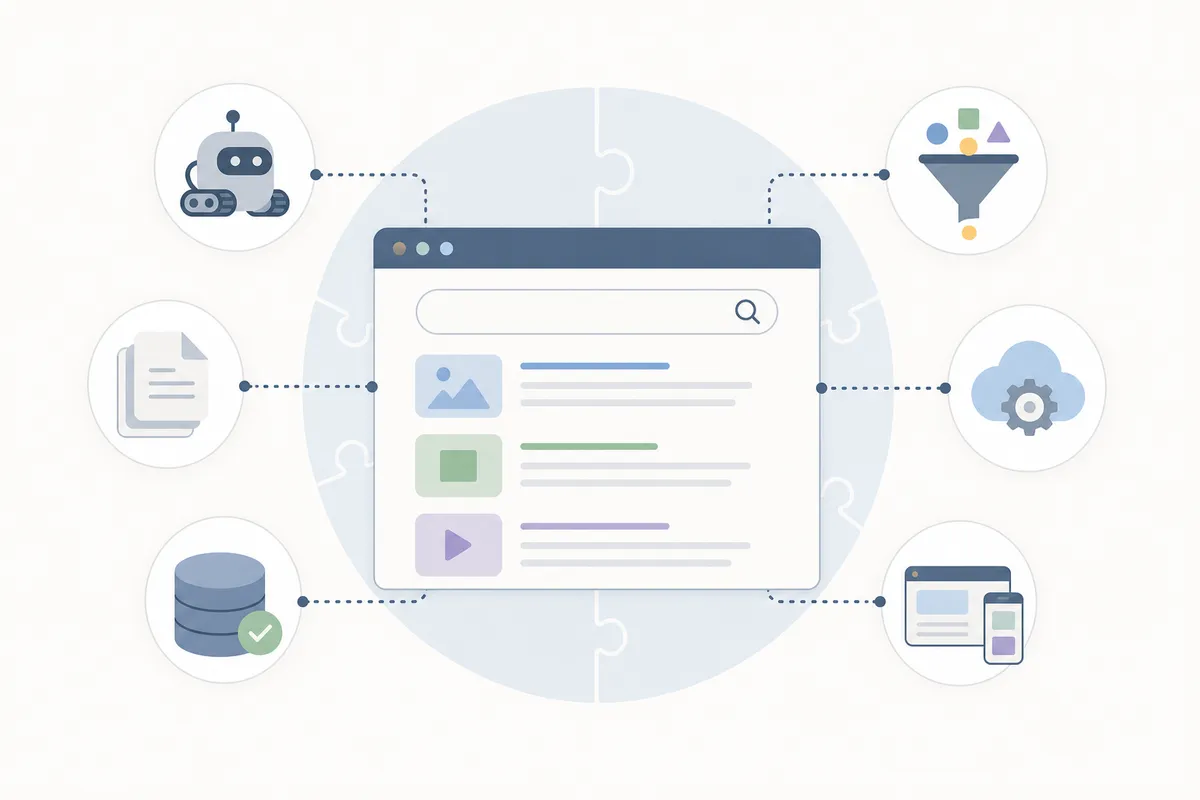
Search engine integration is a set of small connections, each telling the engine one thing. The table below lists the ones that matter for most sites.
| Component | What it tells the engine | Where you set it up | What happens if it is missing or wrong |
|---|---|---|---|
| Google Search Console | That you own the site, and where to send crawl and index reports | Google Search Console, after you verify ownership | You cannot see which pages Google indexed or why others were left out |
| Bing Webmaster Tools | The same ownership and reporting link, for Bing | Bing Webmaster Tools | Bing problems go unnoticed because nobody is looking |
| XML sitemap | Which URLs exist and which you want crawled | Usually generated by your CMS, then submitted in both tools | New pages depend on links alone to be discovered |
| robots.txt | Which paths crawlers may and may not fetch | A text file at the root of your domain | One wrong rule can block the whole site from crawling |
| Robots meta tag | Whether a single page may be indexed or shown | The page's HTML head, often a CMS setting | A stray noindex keeps the page out of results until someone removes it |
| Canonical tag | Which version of a duplicate page is the main one | The page's HTML head | The engine picks its own canonical, which may not be the one you wanted |
| Structured data | What the page is, such as an article, a product or a local business | Markup using the Schema.org vocabulary | The engine has to guess facts it could have read directly |
What a working integration gets you
When these parts line up, the payoff is practical:
- New and updated pages reach the engine through your sitemap, not only through links.
- Search Console and Bing Webmaster Tools show which pages were indexed and which were left out.
- Canonical tags and robots rules let you choose which version of a page competes.
- Structured data states facts the engine would otherwise have to infer.
How to set up search engine integration, step by step
Work in this order. Each step relies on the one before it.
Open the lines to each engine
- Check that crawlers can reach the site: open yourdomain.com/robots.txt and read every Disallow line, since a rule left over from a staging site can block everything.
- Verify the site in Google Search Console by adding it as a property and confirming you own it.
- Verify the site in Bing Webmaster Tools, which works the same way in a separate tool.
- Submit your XML sitemap to both, listing only live URLs you want indexed, with no redirects or 404s mixed in.
Tell the engine what each page is
- Set canonicals on duplicate content, so a product with five color variants, or a page that picks up tracking parameters, still has one clear main URL.
- Add structured data to key templates, starting with the page types that bring in business, such as product pages or your business details.
- Check how the engine sees a sample of pages with the URL Inspection tool in Search Console, which confirms a page can be crawled and that its content renders.
Prove every page is live
- Confirm new pages load after every publish by visiting the public URL and checking that it returns the page, not an error.
Step 8 is where many integrations quietly break. A CMS can report a successful publish while the public URL returns a 404, because the post was saved somewhere the site does not render. If you publish often, look for CMS integrations that check each page at its public URL instead of trusting the "published" message.
Why most integration projects stall
Most setups stall on small errors that nobody rechecks after launch. These are the patterns that come up most, with a fix for each.
| Symptom | Likely cause | How to confirm it | Fix |
|---|---|---|---|
| New pages never appear in Search Console | The sitemap was never submitted, or it lists old URLs | Compare the submitted sitemap with your live pages | Regenerate the sitemap from the CMS and resubmit it in both tools |
| The whole site drops out after a redesign | A staging robots.txt rule or a sitewide noindex went live with the new build | Read robots.txt and view the source of a key page | Remove the block, then ask for your main pages to be recrawled |
| Pages are crawled but not indexed | Thin or duplicate content, or Google chose another URL as the canonical | Check the page's status in Search Console | Merge near-duplicates, strengthen the content and set a clear canonical |
| Content is missing from the indexed version | Text appears only after scripts run, or sits behind a login | Inspect the rendered page in Search Console | Serve the main content in the page's HTML and keep it outside the login |
| Bing sends almost no traffic | Only Google was ever set up | Sign in to Bing Webmaster Tools | Verify the site and submit the same sitemap |
| "Published" posts return a 404 | The CMS saved the post but it never went live at its URL | Visit the public URL directly | Fix the publishing path and check each URL after publish |
The deeper cause is ownership. The integration gets set up once, often by whoever built the site, and then nobody watches it. Search Console reports sit unread, and a problem in one template spreads to every new page built on it.
Can you do it yourself?
Often, yes. On a small site running a mainstream CMS, you can handle the core of search engine integration on your own. Verify both webmaster tools and submit a sitemap. Read your robots.txt line by line. Most CMS platforms add structured data through a plugin or theme setting. Google's Search Essentials set out the technical requirements in plain terms.
Bring in help when the stakes or the complexity go up:
- A site migration or redesign, since URL changes and new templates are where whole sections fall out of the index.
- A JavaScript-heavy build, where content that depends on scripts needs someone who can check what the crawler actually renders.
- Thousands of pages or several markets, where duplicate handling gets harder as the site grows.
- Indexing drops you cannot explain, where a full technical audit usually finds the cause faster than trial and error.
If you would rather have those checks run for you, the SearchBlueprint features list shows what each tool does, job by job.
FAQs
What is search engine integration in simple terms?
It means connecting your website to search engines so they can find your pages and show them in results. In practice you let crawlers in, verify your site in Google Search Console and Bing Webmaster Tools, and submit a sitemap. Structured data on key pages is the next layer.
Is search engine integration the same as SEO?
No. Integration is the technical connection that lets engines crawl and index your site. SEO is broader and also covers content and links. Integration comes first, because a page that is never indexed cannot rank.
Do I have to submit my site to Google to get indexed?
Not strictly. Google finds most pages on its own by following links, and most pages in its results were never submitted by hand. A sitemap and a verified Search Console property still help, because they point Google at every URL you want found and show you what went wrong.
Can I pay Google to index or rank my site faster?
No. Google states that it does not accept payment to crawl a site more often or to rank it higher. Ads appear separately from the organic results. Organic visibility comes from getting the technical basics and the content right.
How long does search engine integration take?
The setup is quick for a small site. Results take longer, because each engine crawls and processes pages on its own schedule. Google decides how often to crawl each site and how many pages to fetch, so timing varies from site to site.
Compare your setup with a finished report
By now the question of what is search engine integration should have a clear, practical answer. Open the sample SEO report to see how a finished audit lays out a site's search engine integration problems and the fix for each one. Then talk to the team about running the same checks on your own site.
Resources / References
- Google Search Central
- Wikipedia's search engine article
- Webmaster Guidelines
- schema.org
- Search Essentials
Sources
About the author
SearchBlueprint researched, wrote and scored this article with the content pipeline our customers run on their own sites. The score in the byline is what our content engine gave this page before it published. Nothing here is reviewed by hand, which is the point: it is the product's output, published where anyone can check it.