Pagination SEO Mistakes That Quietly Sink Your Rankings
SearchBlueprint · · 6 min read · scored 92/100
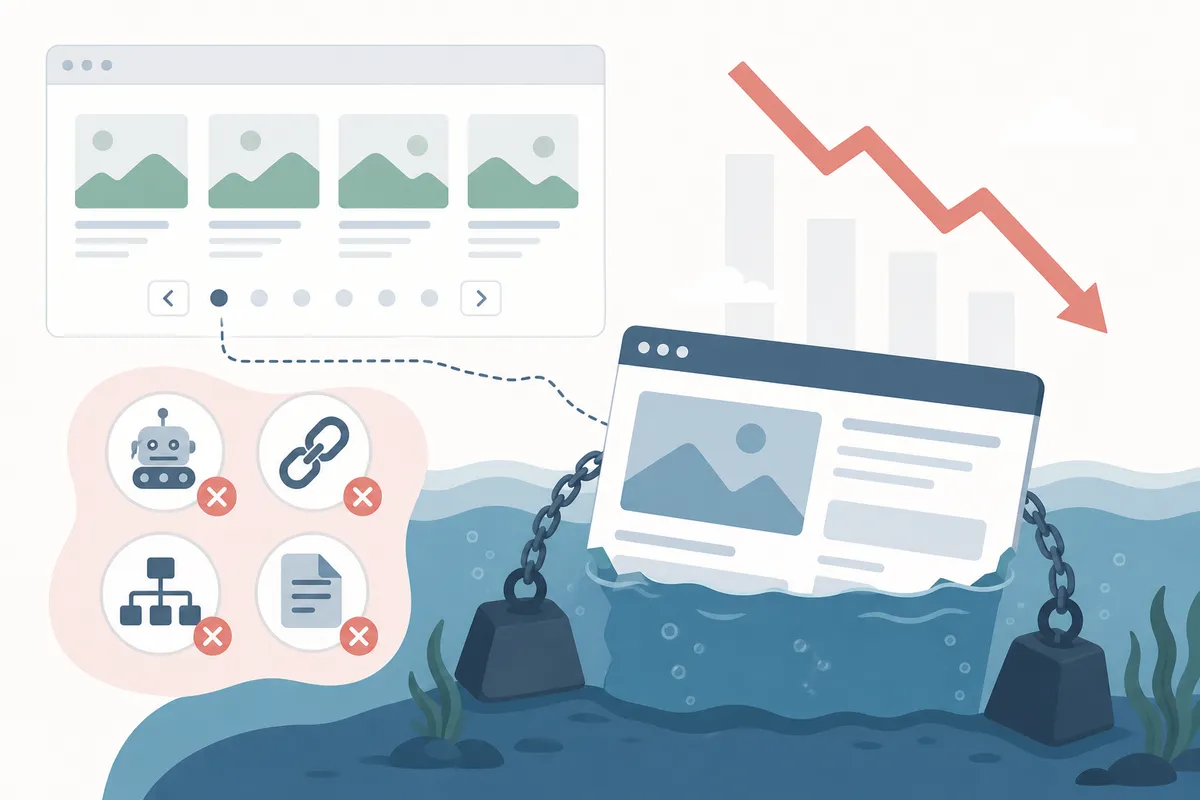
Pagination is the practice of splitting a long list, like a product catalog or blog archive, across multiple numbered pages instead of one continuous page. Done right, it keeps load times fast and lets Google crawl every item. Done wrong, it buries pages, splits link equity, and quietly drops rankings.
What Is Pagination in SEO?
In SEO, pagination means breaking a large set of results, like a long product catalog or years of blog posts, into a numbered sequence of pages. Each page gets its own URL, usually something like /category?page=2 or /blog/page/3/.
You'll see it on:
- E-commerce category and search-result pages
- Blog and news archives
- Forum threads and comment sections
- Multi-page guides and long-form resources
Pagination itself isn't new. Page numbering in print predates computers by centuries; it only became standard practice around 1550, replacing an older system that numbered just the front of each sheet. The web version does the same job: it tells a visitor, and a crawler, where one page ends and the next begins.

How Does Pagination Affect SEO?
Crawl Budget and Indexing
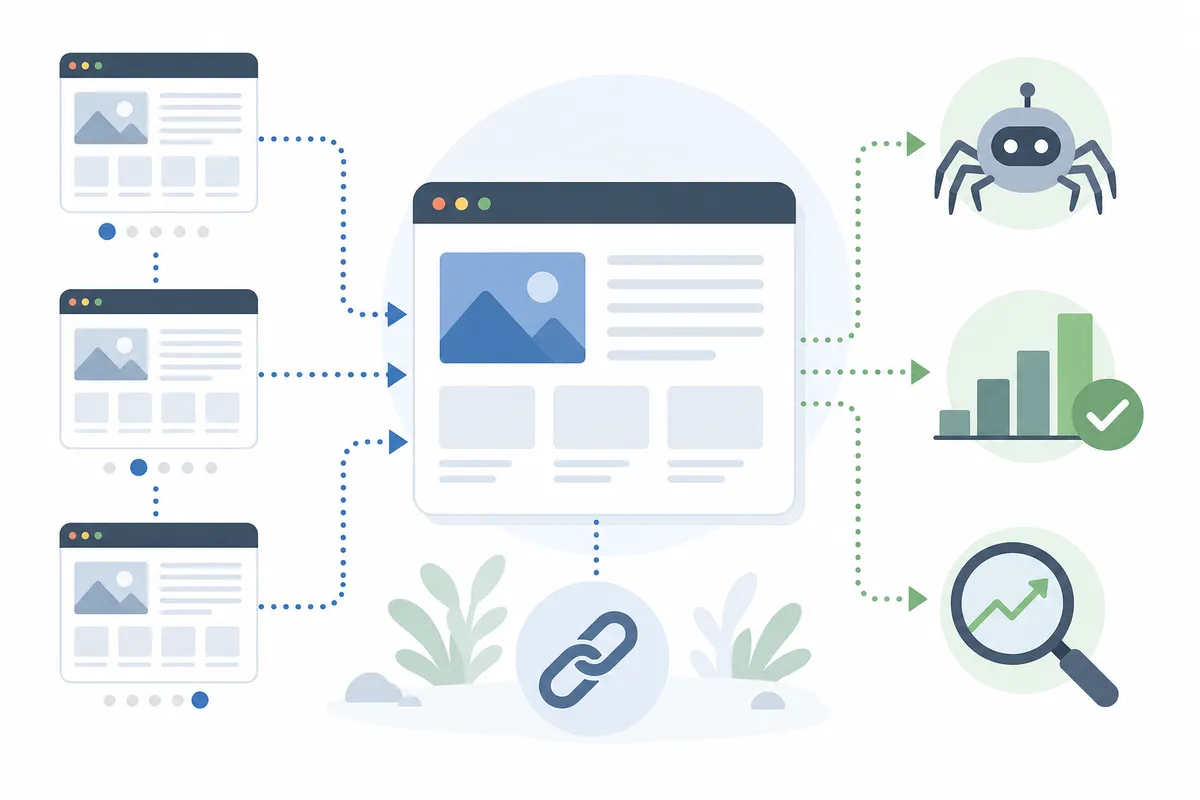
A paginated sequence is still a set of real pages Google has to find, crawl, and decide whether to index. On a large site, a confusing pagination setup can waste crawl budget on deep, low-value pages while a page that might actually rank, like page 2, gets missed.
Link Equity and Duplicate Content
Every page in the sequence usually shares the same title and meta description, and that's expected. Google's own guidance on pagination and incremental page loading says it tries to recognize a paginated sequence and index it accordingly, so near-duplicate titles across page 1, 2, and 3 aren't a penalty on their own.
The real risk is link equity. If every internal link on your site points only to page 1 of a category, pages 2 and onward never build the authority to rank for anything. If you're not sure whether your deeper category or archive pages are actually showing up in search, rank tracking for the keywords you're targeting will show you position page by page, not just for the homepage of a category.
Pagination vs Infinite Scroll (and Load More)
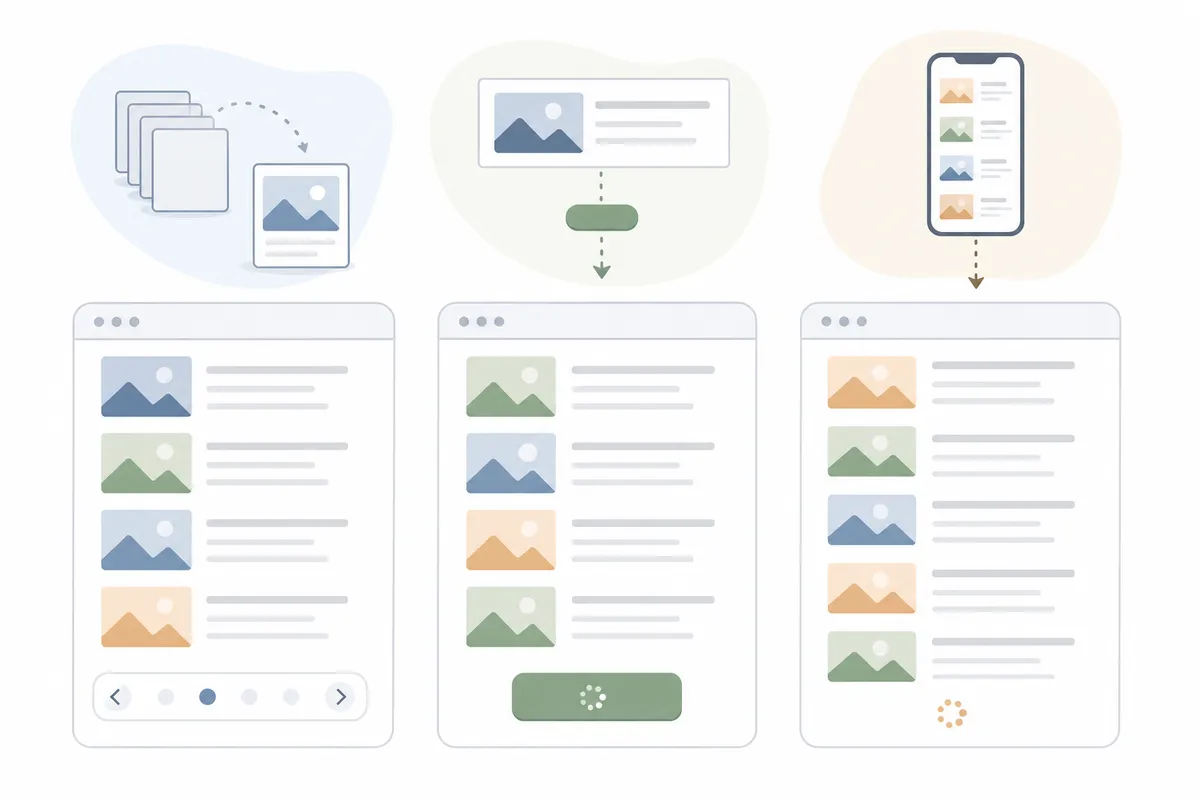
The real difference comes down to what a crawler can actually do. Googlebot follows links found in href attributes. It generally doesn't scroll, and it doesn't click buttons that need a user action. Infinite scroll and "load more" are usually built with JavaScript that only fires on a scroll or a click, so content loaded that way can go completely uncrawled unless there's a real, linkable URL behind it.
| Pattern | How it works | SEO risk | Best use case |
|---|---|---|---|
| Pagination | Numbered pages with distinct URLs, linked to each other | Low, when pages are canonicalized and linked correctly | Large catalogs, blog archives, search results |
| Load more | A button appends new results onto the current page | Medium; fine only if the button also updates a crawlable URL | Medium-length lists where most people stop after one or two loads |
| Infinite scroll | New items load automatically as you scroll down | High; nothing to crawl unless paired with paginated URLs underneath | Visual feeds and galleries meant for browsing, not deep research |
Google frames this as a user-experience choice first: pagination gives people a sense of how many results exist and where they are in the list, while infinite scroll feels effortless but can cause "scrolling fatigue" and hides the true size of a result set. This matters for AI search too: a single comprehensive hub page is easier for an assistant to cite than five numbered pages split apart, which is worth weighing alongside answer engine optimization when you decide which pattern to use.
SEO Best Practices for Pagination
Give Each Page Its Own Canonical URL
Don't canonicalize page 2, 3, and beyond back to page 1. Google has been explicit about this: each page in a paginated sequence should carry its own self-referencing canonical tag. Treating page 1 as the canonical for the whole set tells Google the other pages don't matter, which is the opposite of what you want for a catalog you expect to rank.
Use Clean, Descriptive URLs
Stick to a query parameter or a clean path, like ?page=2 or /page/2/. Never use a URL fragment, the part after a #, to represent a page number. Google ignores fragment identifiers entirely, so a "next page" link that only changes the text after the # looks identical to the page Googlebot already crawled, and it may simply stop there.
Don't Noindex or De-Optimize Paginated Pages
It's tempting to noindex page 2 onward to "clean up" the index. Resist it. Those pages frequently hold products, posts, or reviews that exist nowhere else on the site. Noindex them, and that content effectively disappears from Google, not just from page 2. A routine technical audit that flags paginated URLs which got noindexed or mis-canonicalized by accident catches this before it costs you traffic; that kind of check is available on plans starting free, then moving to Base or Agency pricing depending on the size of the site.
Link Pages Sequentially and Internally
Add a real, crawlable link from each page to the next and, where it helps, back to the previous one. Google retired the old rel="next"/rel="prev" markup, so an actual <a href> is what moves its crawler through the sequence now, even though some other search engines still read that markup. It also helps to link from every page in the series back to page 1, which signals that the first page is the best entry point to the whole collection.
FAQs
Does pagination hurt SEO?
Not inherently. Pagination only hurts SEO when it's implemented badly, like pointing every canonical tag at page 1, noindexing deeper pages, or hiding content behind infinite scroll with no crawlable URLs underneath. Set up correctly, pagination is simply how Google expects large result sets to be organized.
Should paginated pages be noindexed?
Generally, no. Noindexing a whole paginated sequence beyond page 1 can remove unique products, posts, or reviews from Google's index entirely. Noindex is better reserved for filter and sort variations of a page, not the core numbered sequence.
What's the real difference between pagination and infinite scroll for SEO?
Pagination gives every page of results its own crawlable URL. Infinite scroll loads new content as you scroll, usually through JavaScript that Googlebot doesn't trigger, so content can go uncrawled unless it's also available through real paginated URLs behind the scenes.
Does Google still use rel="next" and rel="prev" tags?
No. Google has said it no longer uses these tags to understand pagination, though some other search engines may still read them. A real, crawlable link from one page to the next is what matters for Google today.
How many items should go on each paginated page?
There's no fixed number Google publishes. Choose a count that keeps the page fast to load and genuinely useful to someone scanning it, rather than picking a number to try to influence rankings.
See How Your Own Paginated Pages Are Holding Up
Pagination problems are easy to miss because the pages still look fine to a visitor; it's Googlebot that quietly stops reaching page 4 or drops a noindexed page from the results. A proper site audit shows exactly which of your paginated URLs are canonicalized, noindexed, or disconnected from the rest of the site right now. Talk to the team and look at a sample report built the same way, with your own pagination issues flagged instead of guessed at.
Resources / References
Sources
About the author
SearchBlueprint researched, wrote and scored this article with the content pipeline our customers run on their own sites. The score in the byline is what our content engine gave this page before it published. Nothing here is reviewed by hand, which is the point: it is the product's output, published where anyone can check it.